Keep what you need
Block the distractions. Keep the tools.
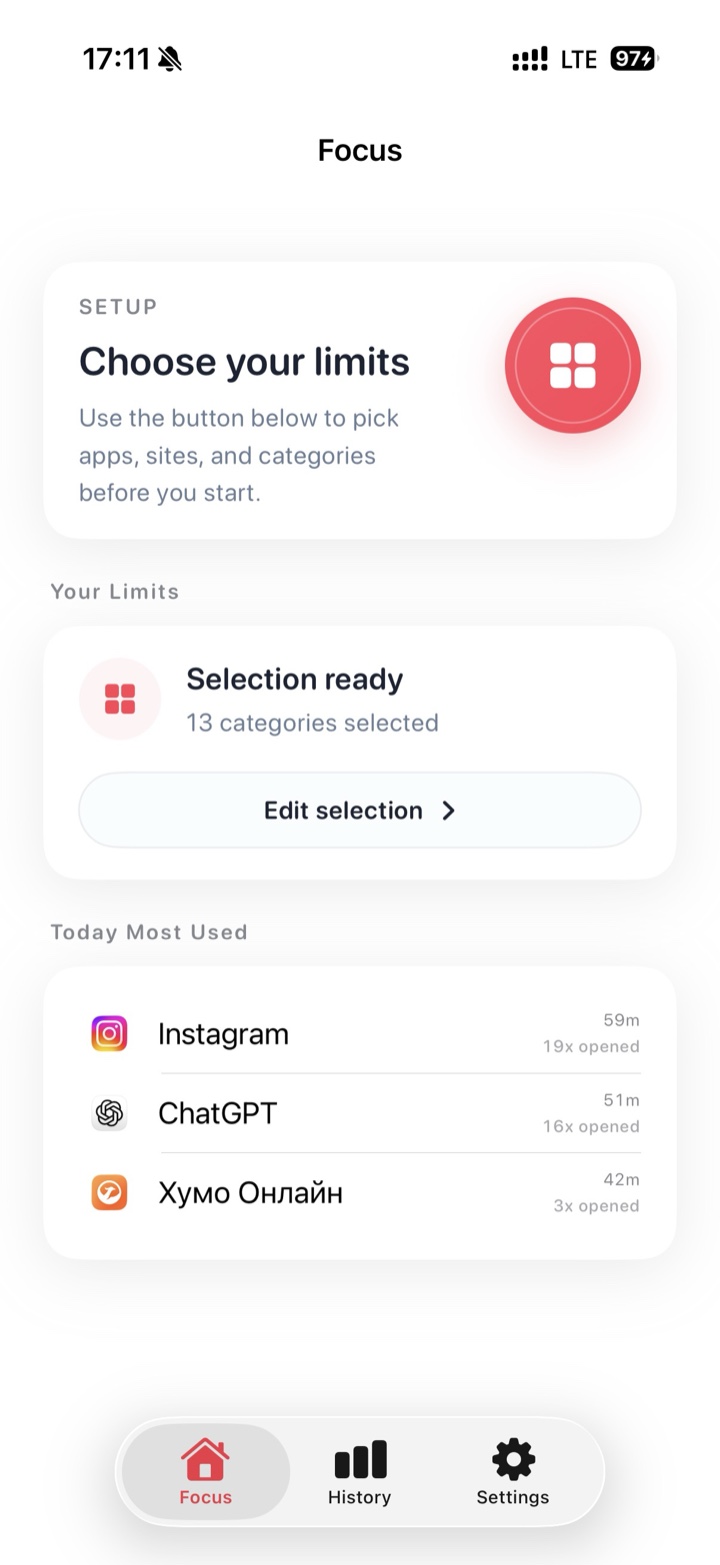
Choose distracting apps, websites, or entire categories. Everything else stays available.
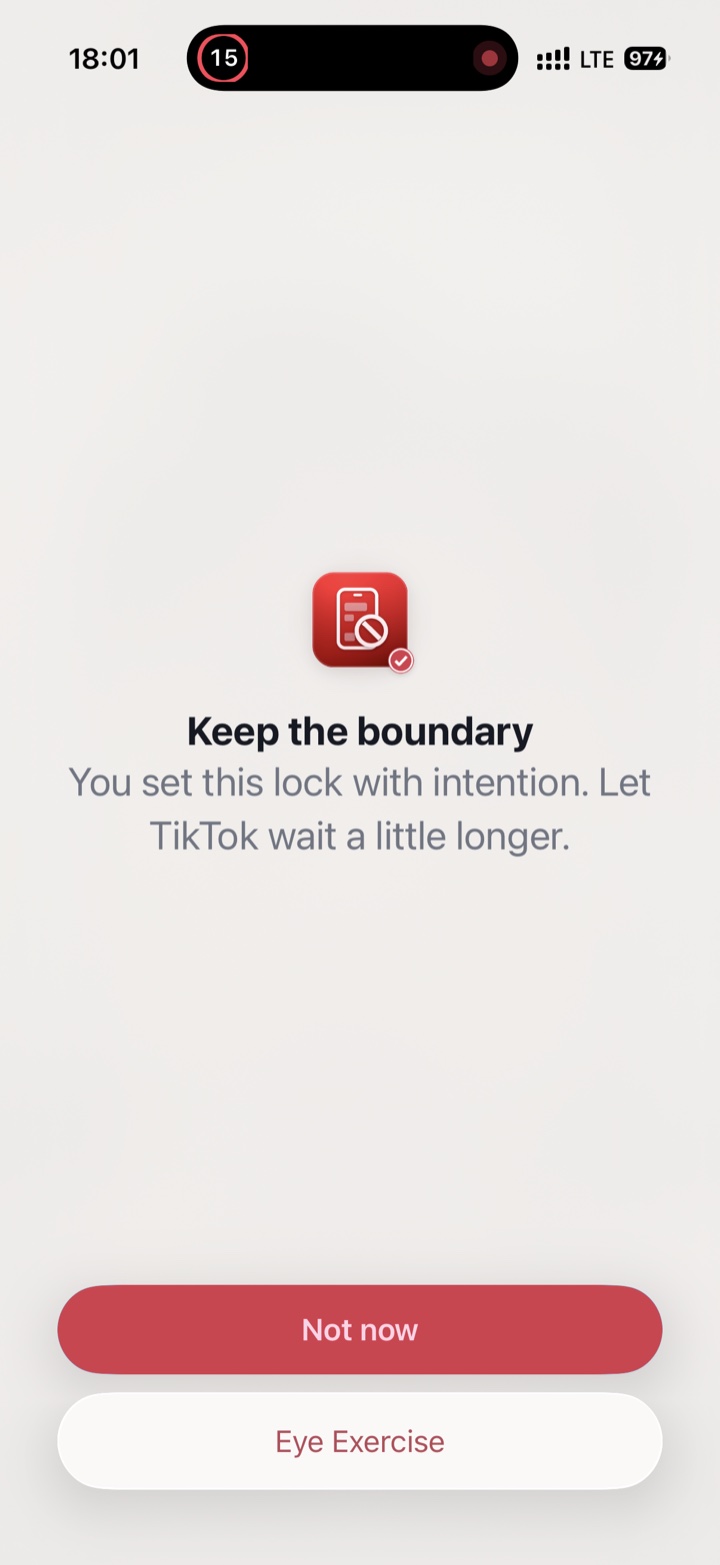
App and website blocker for iPhone
Block the apps and websites that pull you away — without locking down the rest of your iPhone.


Free to download · No account required · Requires iOS 26
Built for real life
Focus is a simple app blocker for iPhone: choose what to block, decide for how long, and get back to the thing you meant to do.
Keep what you need
Choose distracting apps, websites, or entire categories. Everything else stays available.
Ready when you are
Choose a duration and begin. Focus holds the boundary from there.
Built for imperfect days
If attention drifts, Focus adds a moment of friction — then helps you return to what matters.
Screen time calculator
Move the sliders to match a typical day and see what it adds up to over a year.
Time on these apps every year *
29 days
13 hours a week · 9.6 months over ten years


Insights
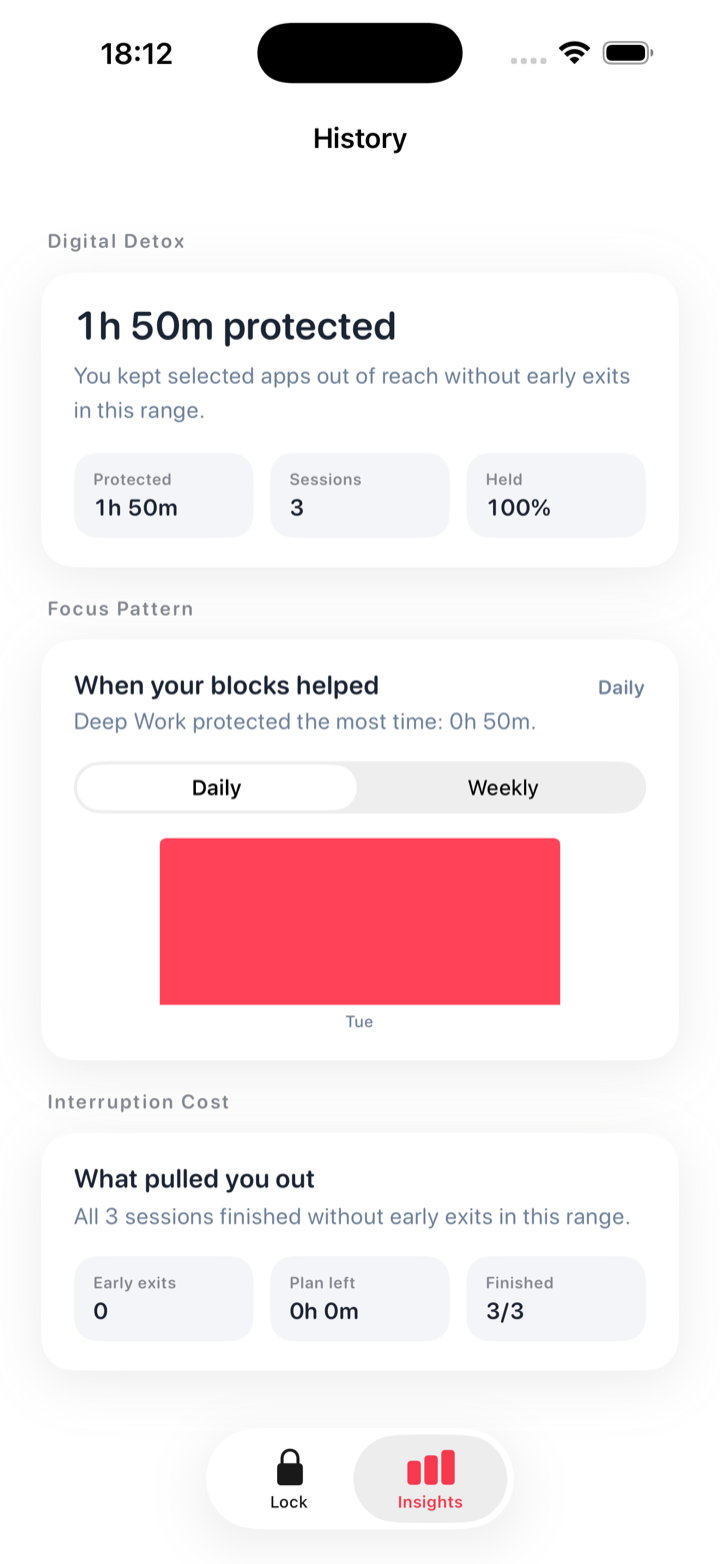
See the focused time you completed, the sessions you finished, and the boundaries you kept — without turning progress into a competition.
Private by design
Your limits, intentions, and session history stay on your iPhone by default. Focus doesn’t send your selected apps, websites, or personal notes to analytics.
Focus for iPhone
Focus can restrict the individual apps, websites, and app categories you choose for the duration of a block.
Yes. Only the apps, websites, and categories you select are restricted, so the rest of your iPhone stays available.
No. You can download Focus and start a block without creating an account.
Your limits, intentions, and session history stay on your iPhone by default. Focus doesn’t send your selected apps, websites, or personal notes to analytics.
Focus uses Apple’s Screen Time protections in a simpler timed-block workflow: choose the distractions, set a duration, and start.
Focus requires an iPhone running iOS 26 or later.

Start small
Download Focus and start your first block in minutes.